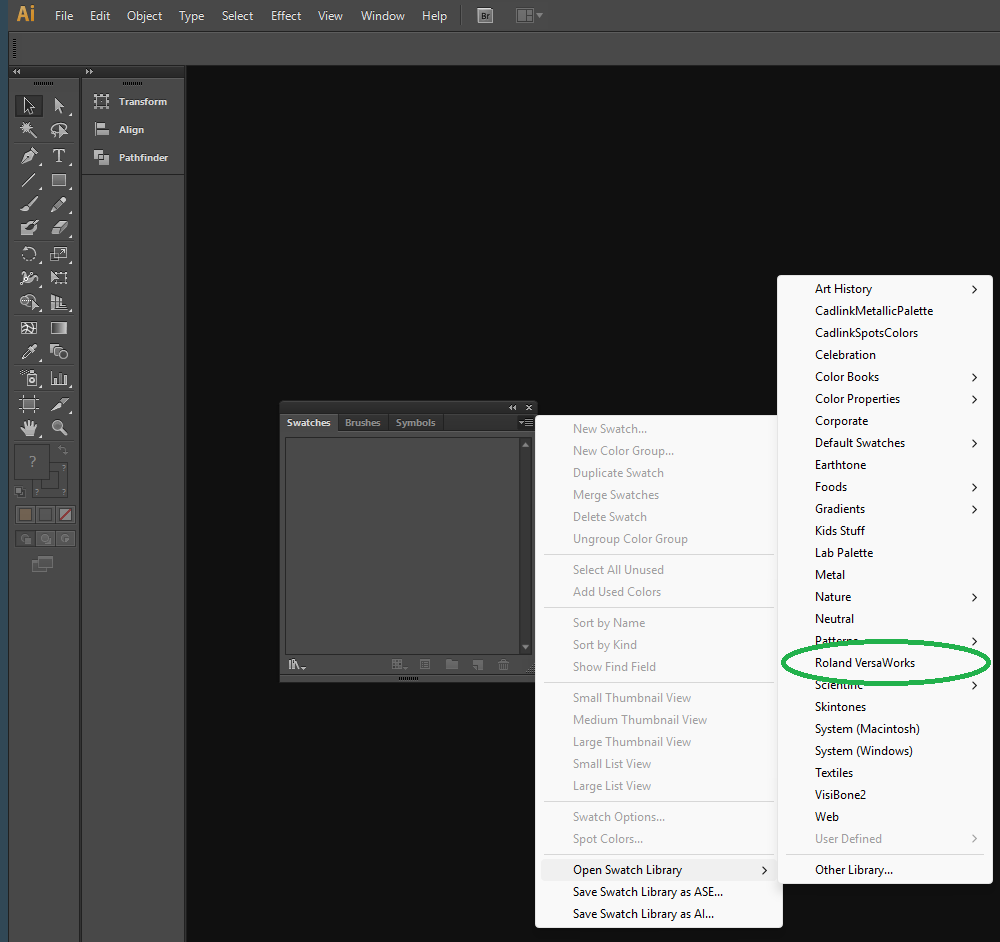
Download the Roland Swatch Library by clicking the link below
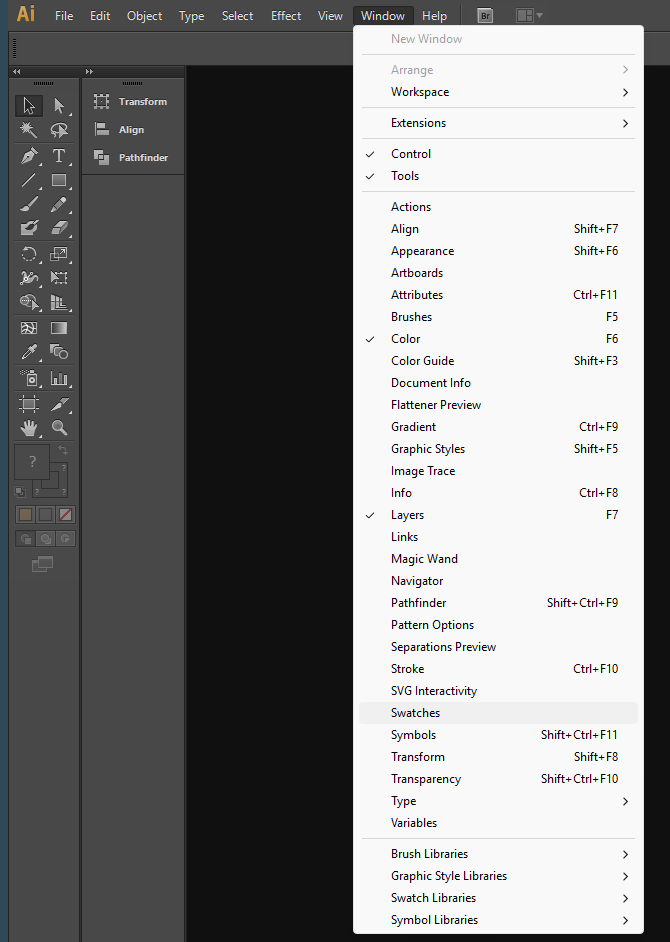
Open Illustrator and navigate to Window > Swatches
This will give you access to the swatch options
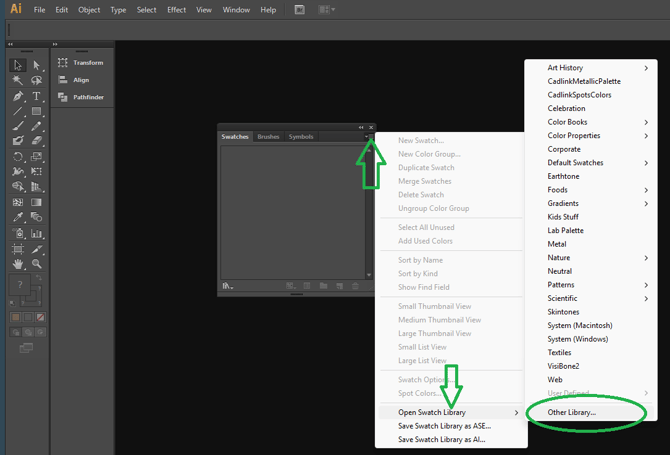
In the swatch window click on the three lines top right then Open Swatch Library, Click Other Library,
Navigate to your Downloads folder and select the Roland VersaWorks File.
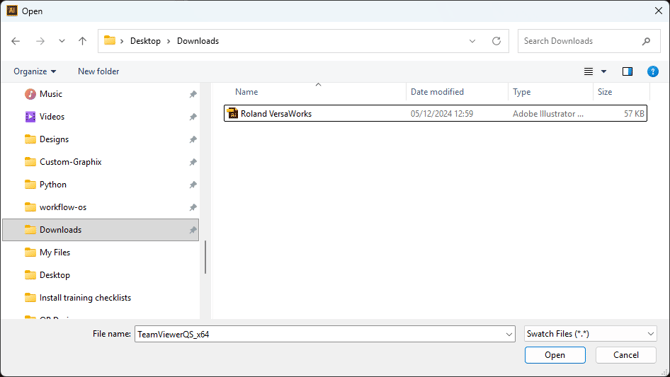
Click open
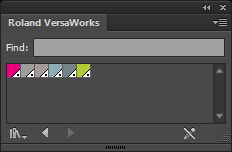
You should now have the Roland VersaWorks Special colour swatches available in your Illustrator package. You will have to do this process each time you would like to use the special colour pallet.
Alternatively - You can also copy the Roland VersaWorks.ai file into the file path below
C:\Program Files\Adobe\Adobe Illustrator 2026\Presets\en_GB\Swatches
(Please note the file path may be slightly different depending on the version of Illustrator you have)
This will allow the Swatches to be available in the standard list when you click - Open Swatch Library. See below